
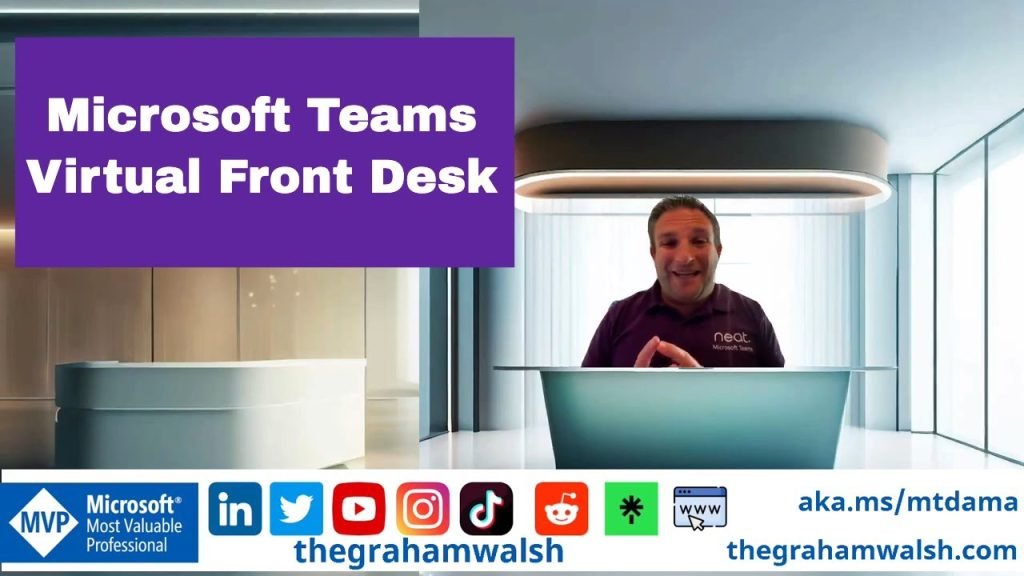
Microsoft Teams Virtual Front Desk

In this video, I show you the new features of the VIrtual front desk from Microsoft Teams using the Teams Shared Device License on Neat Frame.
In this video, I show you the new features of the VIrtual front desk from Microsoft Teams using the Teams Shared Device License on Neat Frame.

Here is an overview of update 1 with all the new features that are available now. Lots of features to get near feature parity with Microsoft Teams Rooms on Windows.
Table of Contents:
00:09 – Introduction
00:19 – Update 1 Overview
03:05 – Join with an ID
03:22 – Meet Now changes
03:43 – Sharing HDMI Content with Audio
04:32 – Overview of new settings
05:44 – New meeting options inc Front Row
07:54 – New in call features- extend reservation
08:07 – PowerPoint Live in Front Row
09:15 – Collaboratitive Annotations
10:28 – Summary
In this video, we should you an overview of Microsoft Teams Rooms on Android using Speaker Recognition and Attribution on Neat devices, using single channel audio, recognising you voice and attributing them to the meeting notes and AI Summary. No need for any special hardware.
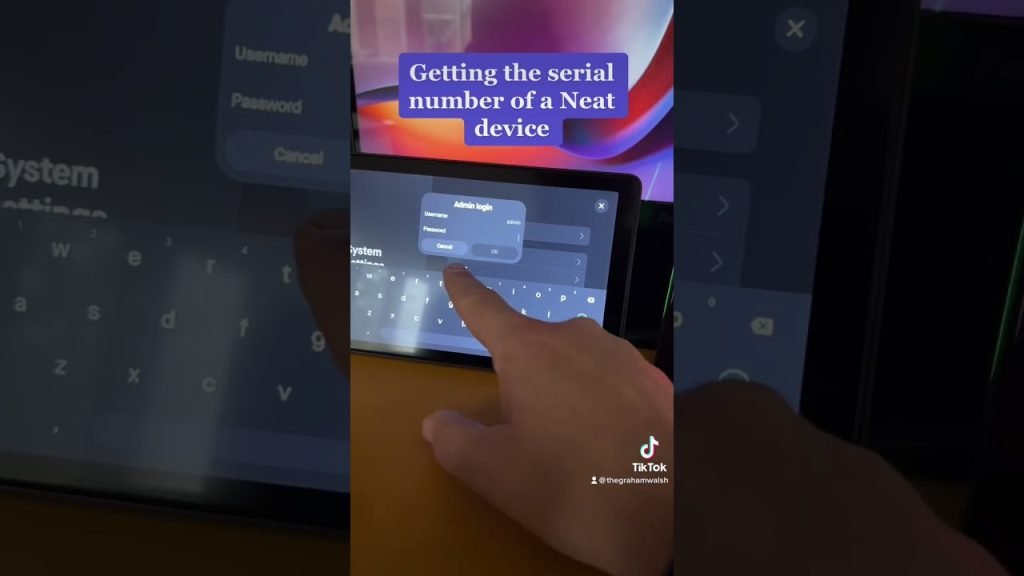
Finding the serial number of a Neat device #microsoftteams Read More »
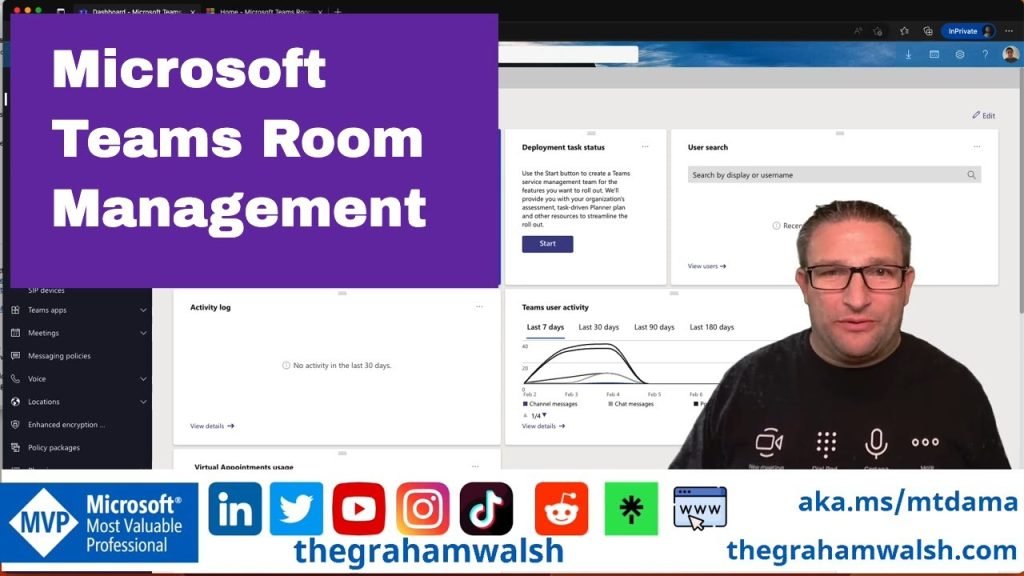
In this video I show you the Teams Admin Center and the Pro Portal for managing Microsoft Teams Room devices. Plus a quick look at Neat Pulse management platform.
For more information on Neat Pulse, visit https://www.neat.no/pulse
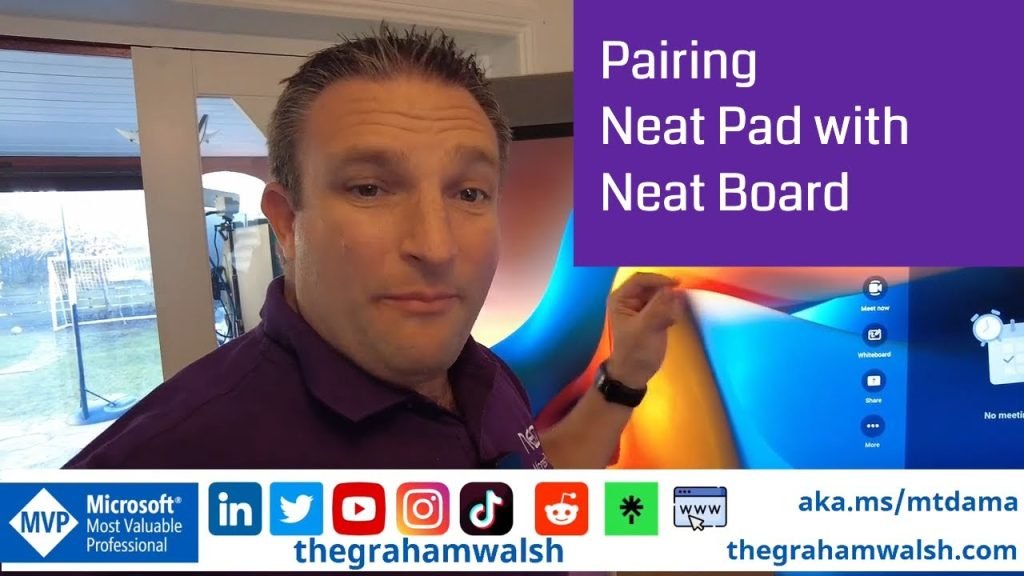
In this video, I show you how to setup a new Neat Pad and pair it with Neat Board, running Microsoft Teams Rooms on Android.
In summary:
1. Perform Out of Box setup on Neat Pad
2. Update Firmware
3. Deploy Microsoft Teams app once updated.
4. Factory reset Neat Pad by pressing the reset button for seven seconds
5. Put Neat Board in Pairing Mode
6. Perform Out of Box setup again and pair with Neat Board
7. Sign into Neat Pad with same account as Neat Board.
8. Pair Neat Board and Neat Pad at a Microsoft Teams level.
Enjoy.
Pairing Neat Board and Neat Pad with Microsoft Teams Read More »
In this video, we should you an overview of Microsoft Teams Rooms on Android using Speaker Recognition and Attribution on Neat devices, using single channel audio, recognising you voice and attributing them to the meeting notes and AI Summary. No need for any special hardware.