
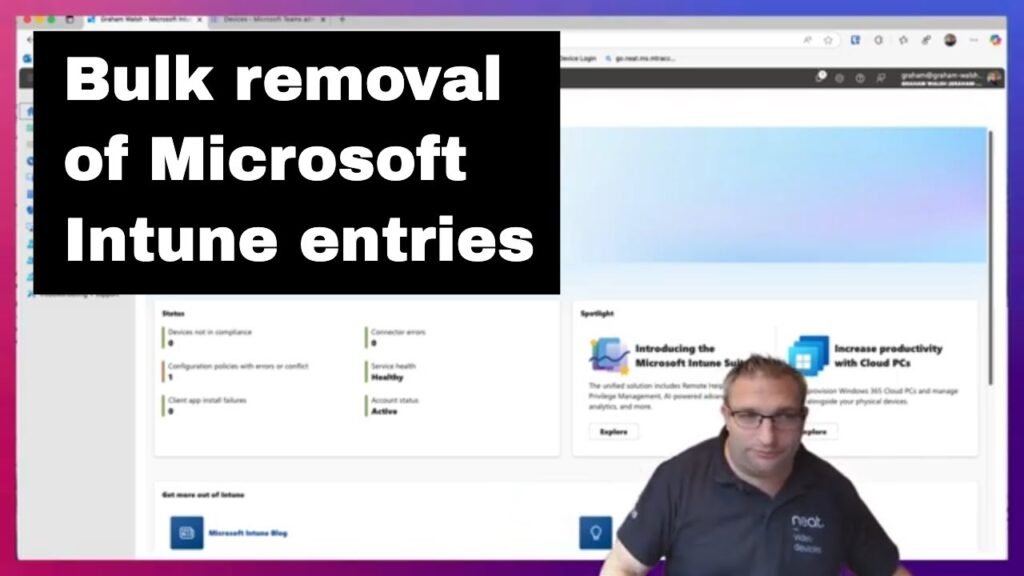
Microsoft Intune Bulk Device Clean Up

Here I show you how to bulk remove old entries in Intune especially if you’ve done your AOSP migration and have old Android Device Administrator (ADA) entries that are stale in Intune.
Here I show you how to bulk remove old entries in Intune especially if you’ve done your AOSP migration and have old Android Device Administrator (ADA) entries that are stale in Intune.
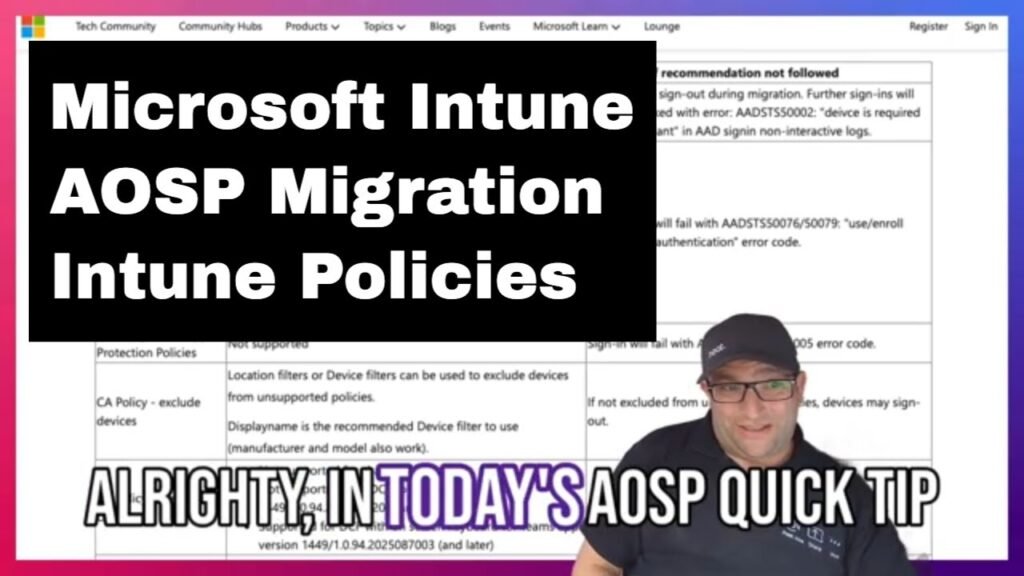
In this video, I take you through some of the Microsoft Intune compliance and conditional access policies that could be used when performing your AOSP Migration for your Microsoft Teams Devices.
Microsoft Teams AOSP Migration – Intune Policies Read More »
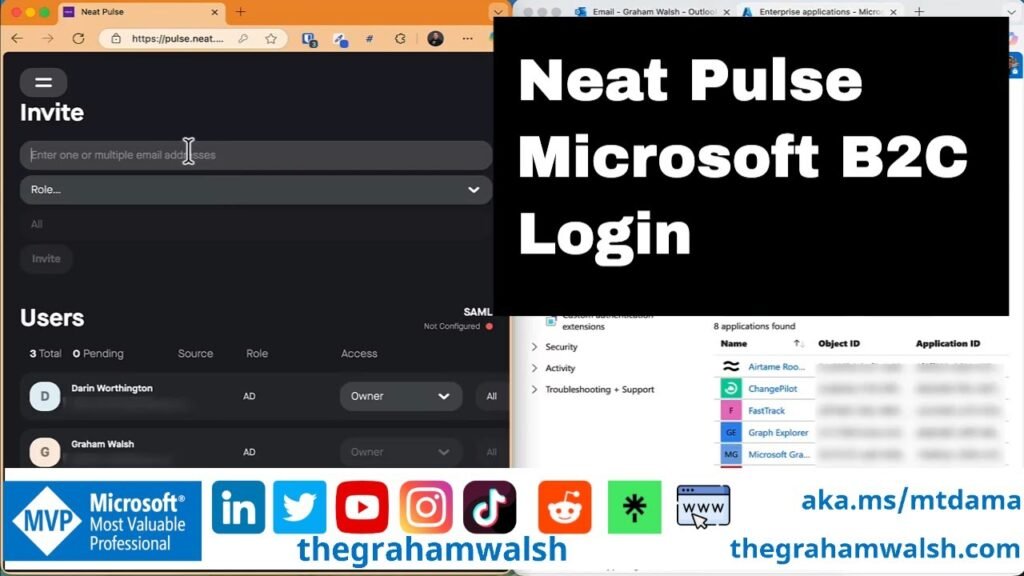
In this video, I show you how to simply sign into Neat Pulse with a Microsoft Enterprise application. No need for complex SAML integrations, just use your Microsoft Enterprise login. Initial setup requires Admin Consent if you have restrictions in place.
In today’s video, I dive into the variance between Android Device Administrator (#ADA) and #AOSP Device Management. I highlight how devices are categorised in Intune as either Personal or Corporately owned, shedding light on crucial aspects to consider during migrations to AOSP. Stay informed! #MicrosoftTeams #MeetingRooms #conferencerooms #MTRA #Teams Panels
Android Device Administrator vs AOSP Device Management Read More »
Here’s a quick video today on #MicrosoftTeams Devices and Device Code Flow and how it could affect your devices. #Microsoft has released a tool to help with identifying issues in your #AOSP Migration Prep.
Tool for a Global Administrator to check for AOSP readiness https://go.neat.ms/aospcheck

Check out #Bigfoot who got caught out not testing #MicrosoftTeams #Devices #AOSP migrations. He’s now in hiding as everyone in the company is after him. Simply create your AOSP token with this short link https://go.neat.ms/aosp and start you migration testing from Teams Admin Center #TAC #meetings #collaboration