Thanks for joining us this month. Here are the slides and Q&A from this month’s session. Slides from Episode 54 This is an embedded Microsoft Office presentation, powered by Office. Podcast from Episode 54 Q&A from Episode 54
In this video, I take you through the latest Neat Devices and what’s new with the latest software features on Neat Devices designed for Microsoft Teams Rooms and Zoom Rooms including App hub and Neat Share whilst I was in Sydney, Australia for Integrate 2024
Table of Contents:
00:16 – Introduction
00:23 – Neat Bar 2 Overview
00:43 – New BYOD Modes
00:48 – Neat Bar Pro with Mics in Pad
00:57 – New Direct Guest Join by Meeting ID for
01:12 – Mics in Neat Pad overview
01:38 – Neat Bar Pro Single Display w/ AppSpace
01:59 – Neat Bar Mounting Overview
02:11 – Neat Board 50 Overview
02:26 – Neat App hub Overview
03:00 – Neat Share Overview
03:20 – Neat Pulse Overview
03:38 – Scheduled Software Updates
04:30 – Device Management
04:57 – Neat Pulse Remote Control
05:41 – Neat Pulse API Integrations
05:54 – Neat Shure Integration for L or XL Rooms
06:36 – Neat Board 50 Adaptive Wall Mount
06:51 – Neat Boundary for Neat Center
07:22 – Neat Center Overview and Demo
09:09 – Closing
Want to use MTR-A devices with #MicrosoftTeams #TownHall? Well you can as a presenter. If you want to join as an attendee, then you’ll have to use #BYOD mode for now.
Thanks for attending the August 2024 show. Below are the slides from the session. Slides from Episode 53 This is an embedded Microsoft Office presentation, powered by Office. Q&A from Episode 53
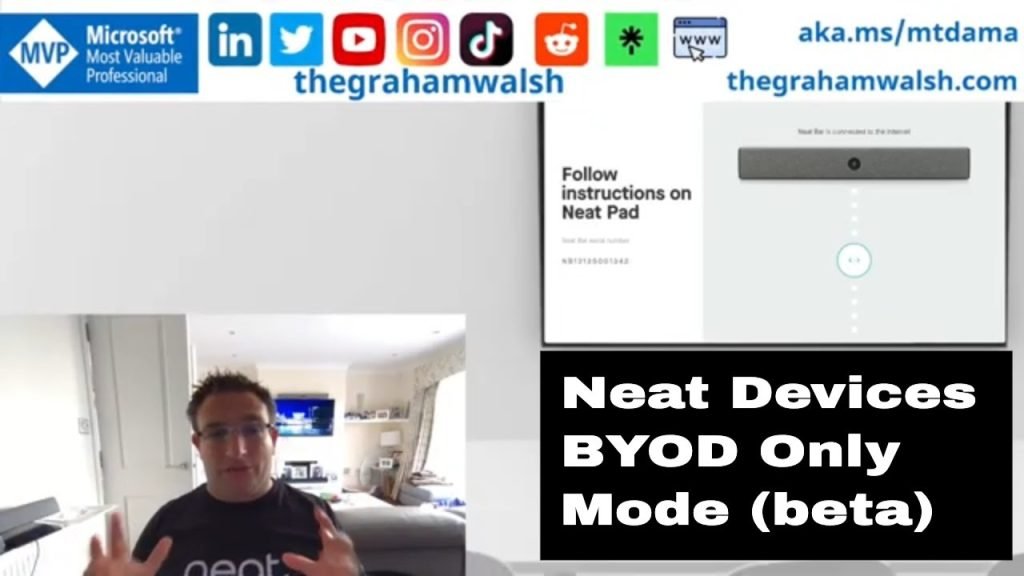
In this video, I show you how to setup Neat devices in Bring your own device (BYOD) mode or sometimes called Bring your own meeting (BYOM) mode.
Table of Contents:
00:08 – Introduction
00:28 – How to find IP Address of devices
00:55 – Out of Box Setup
01:36 – Selecting BYOD Mode
02:20 – BYOD Mode with HDMI and USB Cables
03:43 – BYOD with single USB-C cable
04:24 – Closing comments
Thanks all for attending this month’s show, please see below for the slides and Q&A from the session. Slides from Episode 52 This is an embedded Microsoft Office presentation, powered by Office. Q&A from Episode 52 Q. What is the link for the Discord server?A. New short link here https://go.mtdama.show/discord