
MTDAMA Podcast – Episode 60

Here’s episode 60 held in March 2025
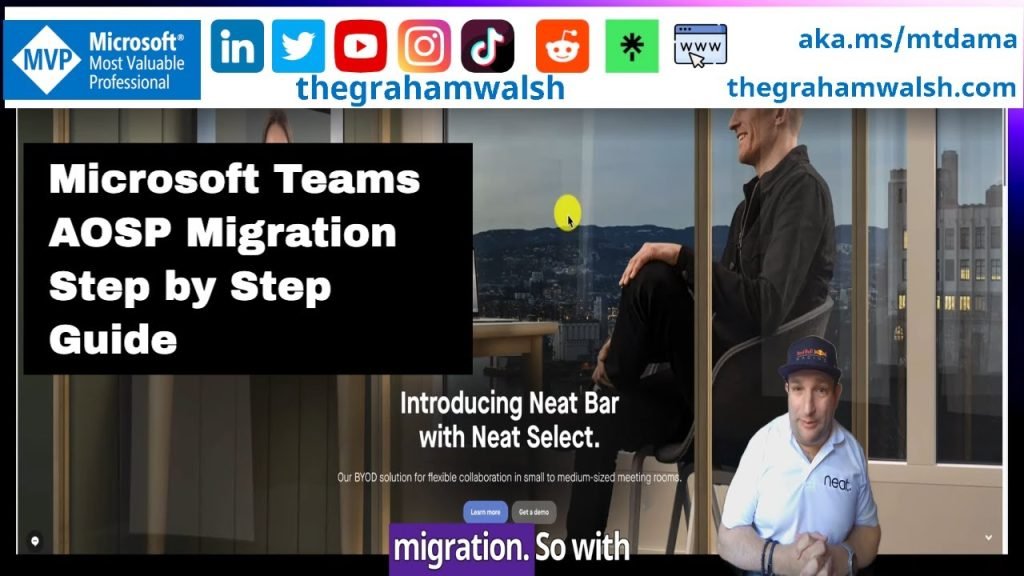
In this video, I take you through step by step how to carry out the migration from Company Portal based Device Administrator over to Microsoft Intune and Authenticator apps using AOSP Device Management.
Microsoft Teams Room AOSP Step by Step Guide on Neat Bar and Pad devices Read More »

Thanks for joining us for the Enterprise Connect recap show of MTDAMA Episode 60. Slides from Episode 60 This is an embedded Microsoft Office presentation, powered by Office. Q&A from Episode 60 Q. Where can I find the documentation for Facilitator Agent for Rooms?A. Microsoft Documentation is available here. Q. Will Pro Portal have more

In this video, I show you how a migration is done from Android Device Administrator to AOSP Device Management on Microsoft Teams Devices. This video guide is useful for any Microsoft Teams Devices, Teams Phone, Teams Panel, Teams Rooms on Android. The only difference with a MTR-A device is that you must update the Front of Room device (Neat Bar for example) and the Touch Console (Neat Pad) from Teams Admin Center.
Remember if you run just MIcrosoft Teams Rooms on Windows devices but you have Teams Panels in your organisation, then you must do this for your Teams Panels outside the room.
Full guide here https://support.neat.no/article/neat-devices-and-microsoft-teams-aosp-migration/

Here’s part two of a short video guide on setting up your #MicrosoftTeams Devices for #AOSP Device Management. This step is optional, but if you have #Compliance policies, then you’ll need these settings applied too, before devices can sign in and enrol into #Intune.
Microsoft Teams Devices AOSP Enrolment Compliance Policy Setup Guide Read More »
