
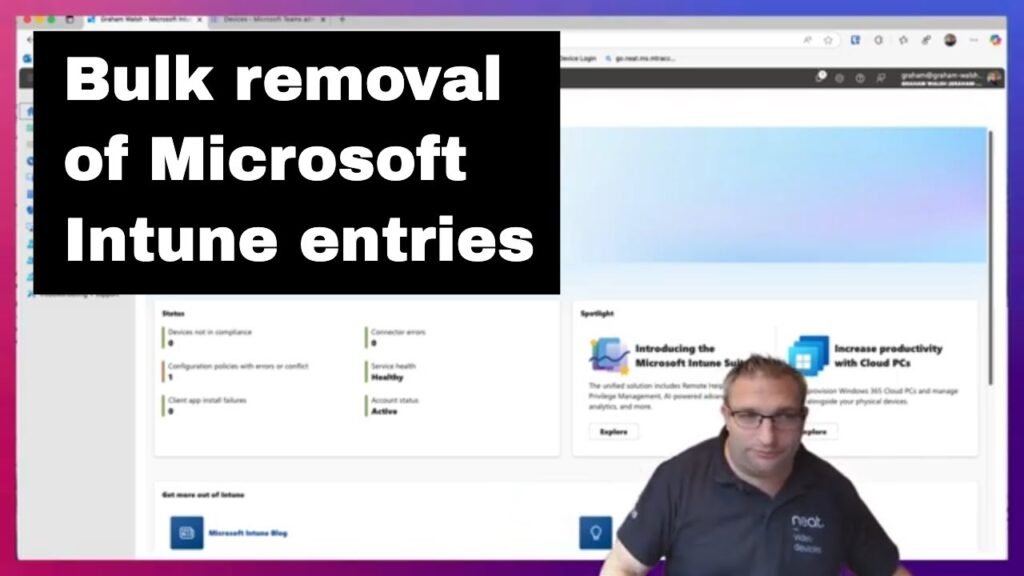
Microsoft Intune Bulk Device Clean Up

Here I show you how to bulk remove old entries in Intune especially if you’ve done your AOSP migration and have old Android Device Administrator (ADA) entries that are stale in Intune.
Here I show you how to bulk remove old entries in Intune especially if you’ve done your AOSP migration and have old Android Device Administrator (ADA) entries that are stale in Intune.
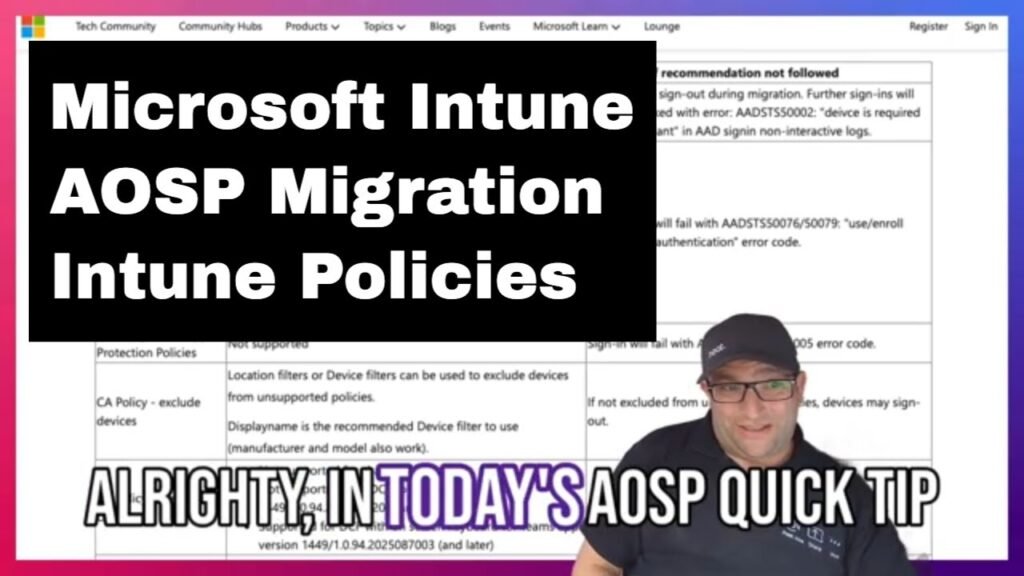
In this video, I take you through some of the Microsoft Intune compliance and conditional access policies that could be used when performing your AOSP Migration for your Microsoft Teams Devices.
Microsoft Teams AOSP Migration – Intune Policies Read More »

Thanks for joining us in July 2025 for Episode 64 of MTDAMA. Below are slide, a podcast version (Created with NotebookLM) and the Q&A from the sessions. Slides from Episode 64 This is an embedded Microsoft Office presentation, powered by Office. Audio Podcast from Episode 64 Podcast
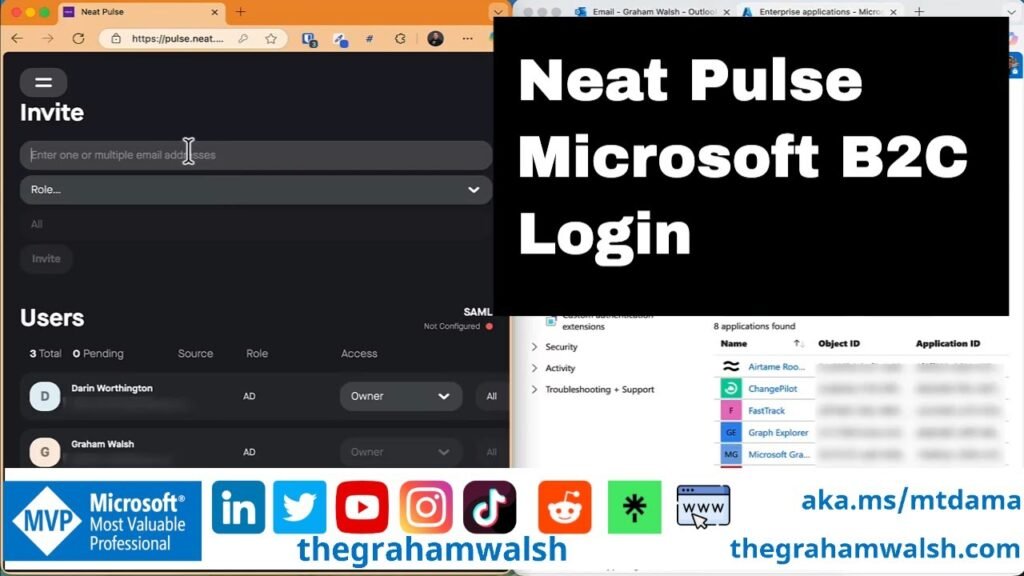
In this video, I show you how to simply sign into Neat Pulse with a Microsoft Enterprise application. No need for complex SAML integrations, just use your Microsoft Enterprise login. Initial setup requires Admin Consent if you have restrictions in place.
In today’s video, I dive into the variance between Android Device Administrator (#ADA) and #AOSP Device Management. I highlight how devices are categorised in Intune as either Personal or Corporately owned, shedding light on crucial aspects to consider during migrations to AOSP. Stay informed! #MicrosoftTeams #MeetingRooms #conferencerooms #MTRA #Teams Panels
Android Device Administrator vs AOSP Device Management Read More »
Here’s a quick video today on #MicrosoftTeams Devices and Device Code Flow and how it could affect your devices. #Microsoft has released a tool to help with identifying issues in your #AOSP Migration Prep.
Tool for a Global Administrator to check for AOSP readiness https://go.neat.ms/aospcheck