In this video, we should you an overview of Microsoft Teams Rooms on Android using Speaker Recognition and Attribution on Neat devices, using single channel audio, recognising you voice and attributing them to the meeting notes and AI Summary. No need for any special hardware.
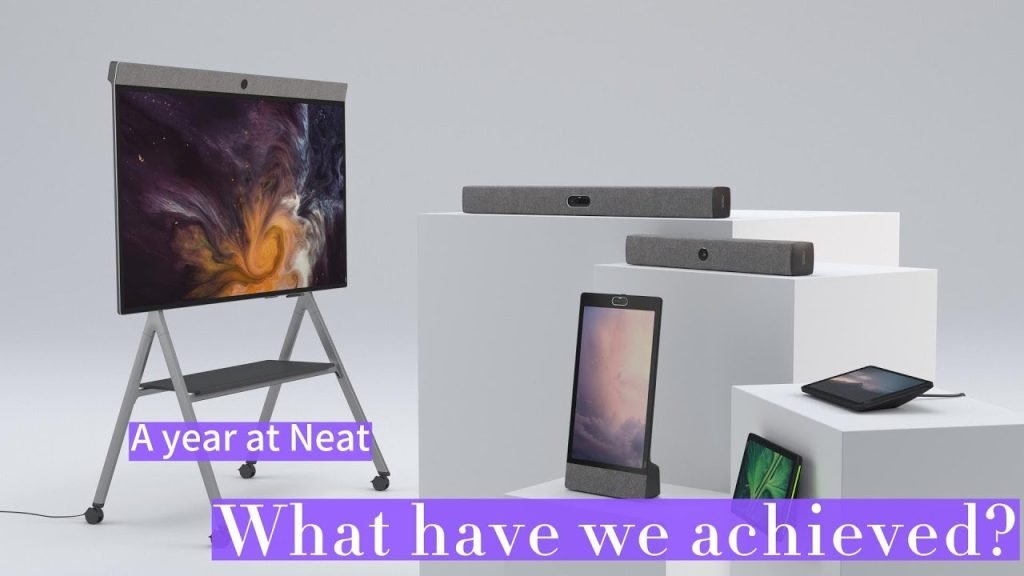
In this video, I show you all the new features in MTR-A Update 3 such was walk up whiteboard, chat bubbles and some new features in Neat software such as pairing Neat Pad with Neat Board running Microsoft Teams.
00:00 Introduction
00:30 Overview of new features
03:15 How to apply Update 3
05:15 New Teams admin settings on device
06:10 Starting an ad-hoc whiteboard session
07:51 New in call features with Update 3
09:48 Pairing Neat Pad with Neat Board
10:47 Recap of features
12:08 Signing in Neat Pad
13:17 New Teams admin setting for Touch Screen
13:37 Closing comments
14:08 New Neat features coming soon
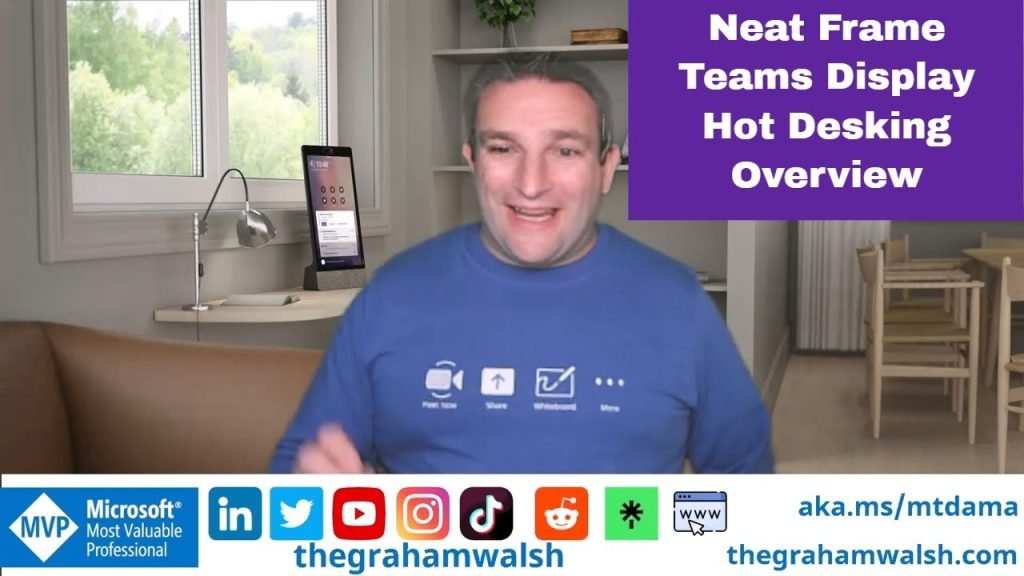
In this video, I show you how to acquire the Microsoft licenses for Teams Shared Devices and then sign into a Teams Display. Then how to book a hot desk and then sign in as a user.
In this video, I show you what’s in the box and how to setup a Neat Frame Microsoft Teams Display in Personal Mode. Very quick and easy personal productivity device for all your Microsoft Teams calls, chats and meetings.
In this video, I show you one issue that could be preventing devices from signing in. Turns out that an Office 365 admin had disabled the use of Other licenses being prevented from using Microsoft Teams.