
How to get the Microsoft Teams Rooms on Android Logs

In this video I show you How to get the Microsoft Teams Rooms on Android and Zoom Direct Guest Join Logs to aid support issues.
How to get the Microsoft Teams Rooms on Android Logs Read More »
In this video I show you How to get the Microsoft Teams Rooms on Android and Zoom Direct Guest Join Logs to aid support issues.
How to get the Microsoft Teams Rooms on Android Logs Read More »

In this video, I show you all the features you should enable on your Microsoft Teams panel devices as many features are turned off for the room scheduling or booking options. Some can be configured via a Configuration Profile, but many must be done on the device itself.
For more information on Neat Pad, visit www.neat.no/pad
For more information on Teams Panel visit https://support.microsoft.com/en-gb/office/get-started-with-teams-panels-fa5e85d1-7ff3-4f11-b0b0-277e2302c8be and https://learn.microsoft.com/en-us/microsoftteams/devices/use-teams-panels
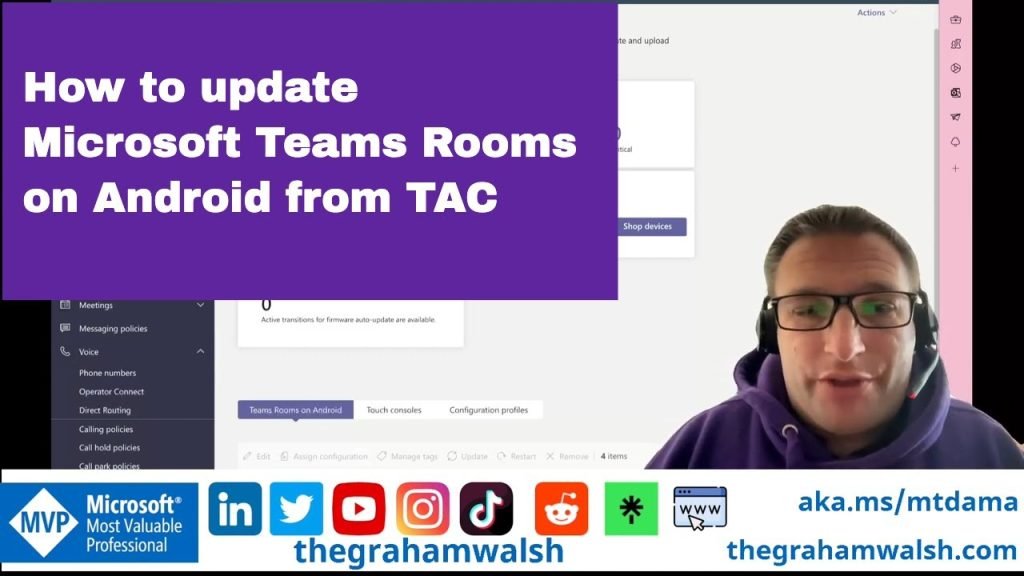
In this video, I show you how to update your Front of Room device along with the Centre of Room control panel from Teams Admin Center (TAC).
How to update Microsoft Teams Rooms on Android from Teams Admin Center Read More »
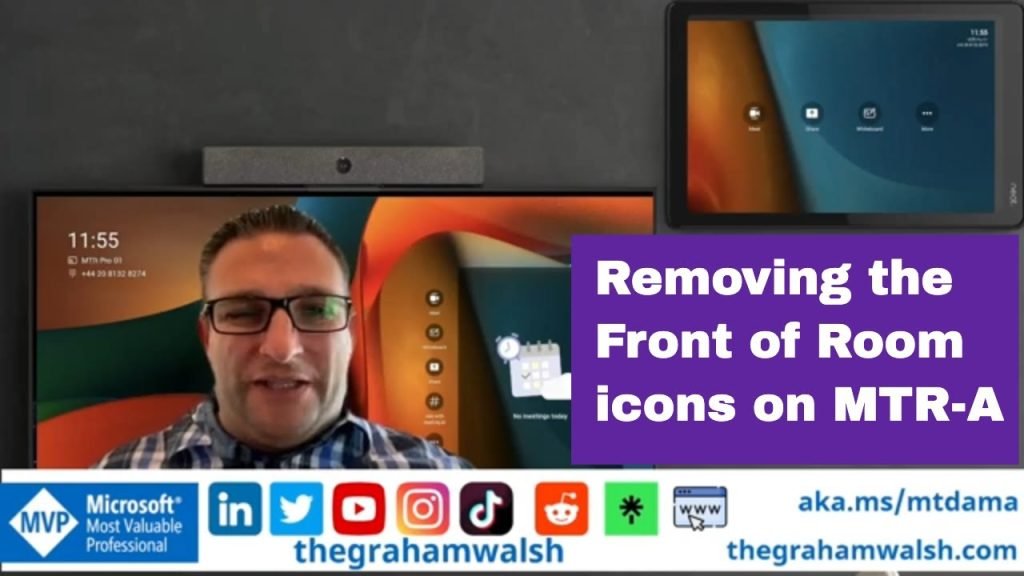
In this video, I show you how to remove the Front of Room icons that might be on your Front of Room display that is not a touchscreen as it can be confusing for users.
Removing Front of Room Icons from a Microsoft Teams Room Read More »
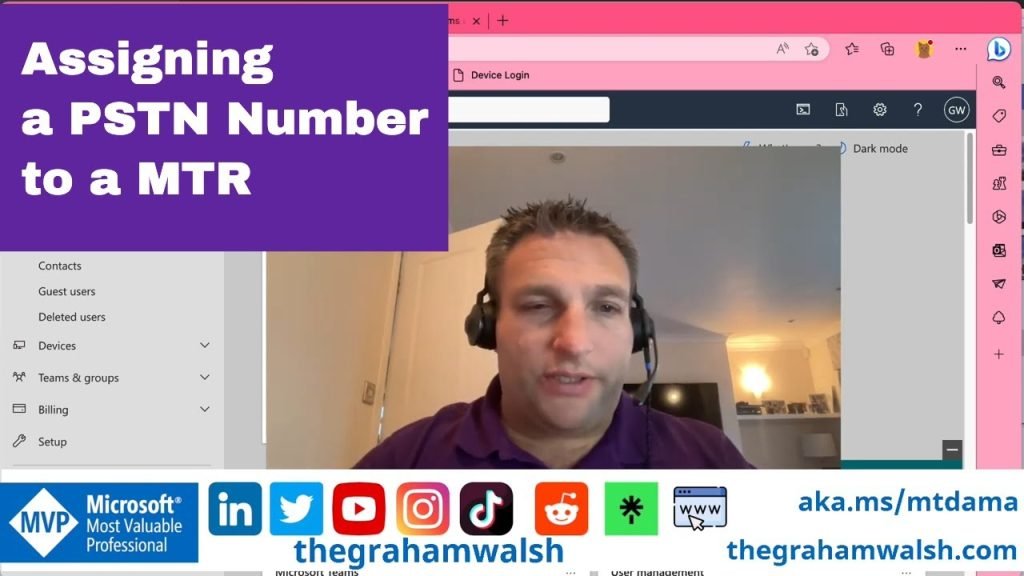
In this video, I show you how to add a PSTN number from a Microsoft Calling Plan. This then enables you to remove the ugly conference phone from the meeting room.
Assigning a PSTN number to a Microsoft Teams Room Read More »
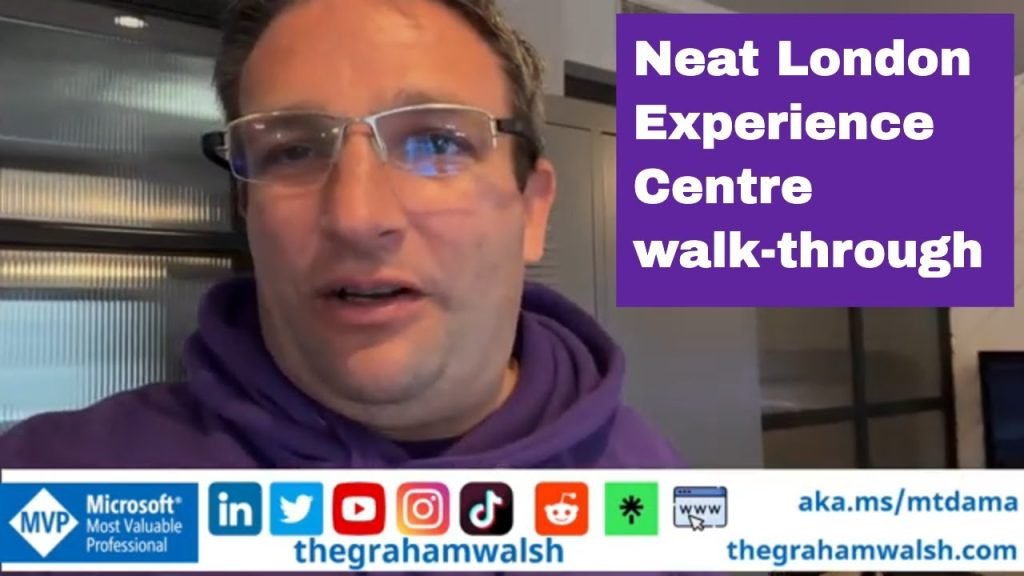
In this video, I take you on a tour of the Neat London Experience Centre which showcases Neat Bar, Neat Board, Neat Bar Pro, Neat Frame and Neat Pad devices. All integrated into an Ashton Bentley table with connectivity for BYOD via a single USB-C cable.
Table of Contents:
00:09 – Introduction
00:30 – Overview of the London Experience Centre
02:44 – Microsoft Teams Update 1 Call with Front
03:39 – Direct Guest Join from a Zoom Room to Microsoft Teams
04:00 – Making a BYOD Call
05:18 – Direct Guest Join Webex Meeting
06:05 – Closing remarks
For more information on Neat, visit https://www.neat.no
For more information on Ashton Bentley, visit https://ashtonbentley.com/ Out setup is a Connect Room System https://ashtonbentley.com/products/connect-room-system with the Room and Table Hubs.