In this video, we should you an overview of Microsoft Teams Rooms on Android using Speaker Recognition and Attribution on Neat devices, using single channel audio, recognising you voice and attributing them to the meeting notes and AI Summary. No need for any special hardware.
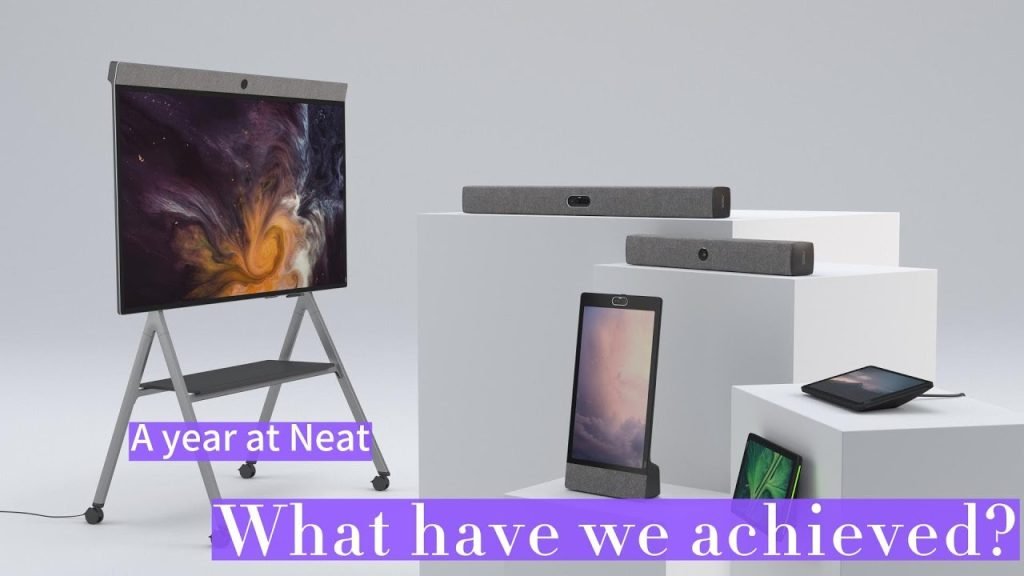
In this video, I show you all the new features in MTR-A Update 3 such was walk up whiteboard, chat bubbles and some new features in Neat software such as pairing Neat Pad with Neat Board running Microsoft Teams.
00:00 Introduction
00:30 Overview of new features
03:15 How to apply Update 3
05:15 New Teams admin settings on device
06:10 Starting an ad-hoc whiteboard session
07:51 New in call features with Update 3
09:48 Pairing Neat Pad with Neat Board
10:47 Recap of features
12:08 Signing in Neat Pad
13:17 New Teams admin setting for Touch Screen
13:37 Closing comments
14:08 New Neat features coming soon
Slide from Episode 33 This is an embedded Microsoft Office presentation, powered by Office. Q&A From Episode 33 Q. What is the link for the Devices Deployment Playbook?A. Available here https://aka.ms/teams-devices-deployment-playbook Q. Any idea how folks are managing Teams Phones (desk phones). As the calendar now appears on the desk phone and anyone can walk
Updated article for 2025 available here In September 2022, Microsoft introduced some new licensing options for Microsoft Teams Rooms. So here is an overview on the features you get with each license type. This post will get updated as more new features are added/changed. Licensing Overview Here’s a look at each license and the cost
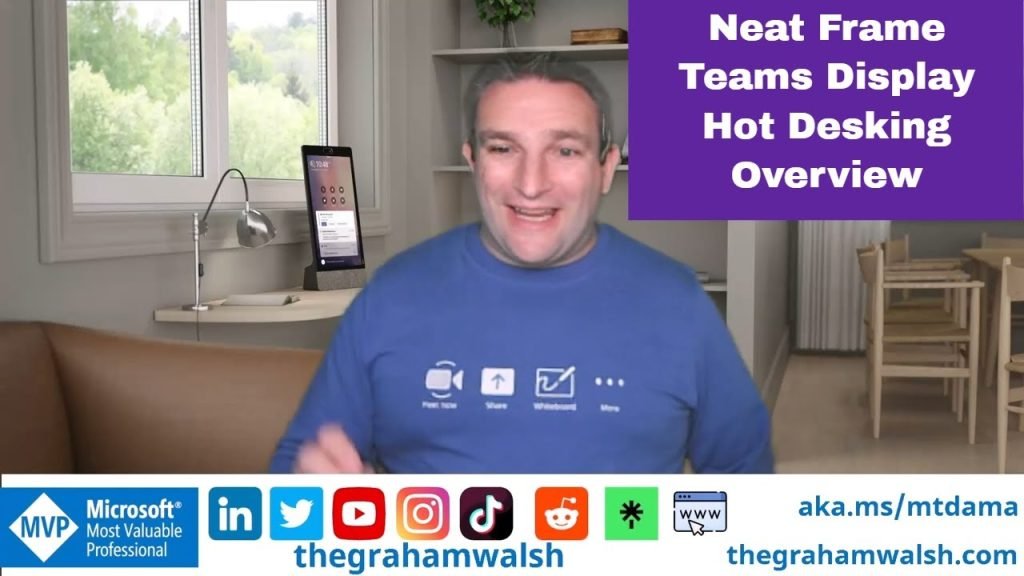
In this video, I show you how to acquire the Microsoft licenses for Teams Shared Devices and then sign into a Teams Display. Then how to book a hot desk and then sign in as a user.