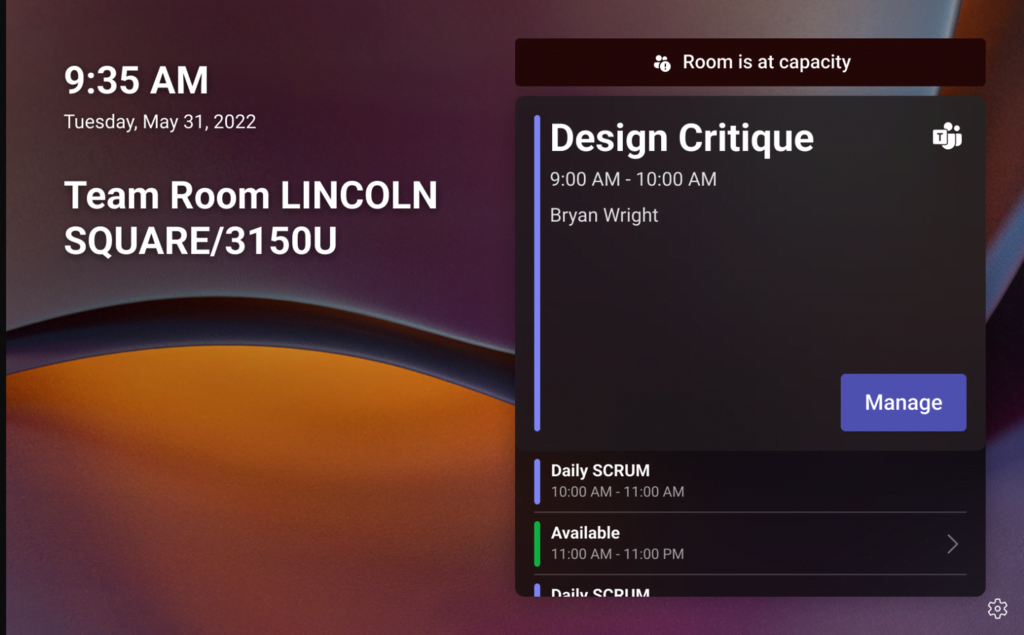
Teams panels – Update 3 July 2022 Features

Microsoft have now announced what new features are coming to Teams Panel with Update 3. Since launch over a year ago, the Teams panel keeps getting updates around every quarter and the Microsoft product team are adding features into the product based on customer feedback. So, let’s get into what’s new. All these features relate