

Last Updated on September 23, 2026 by Graham Walsh
Why Your Microsoft Teams Panel Won’t Update During Meetings (Teams Admin Center Tip)
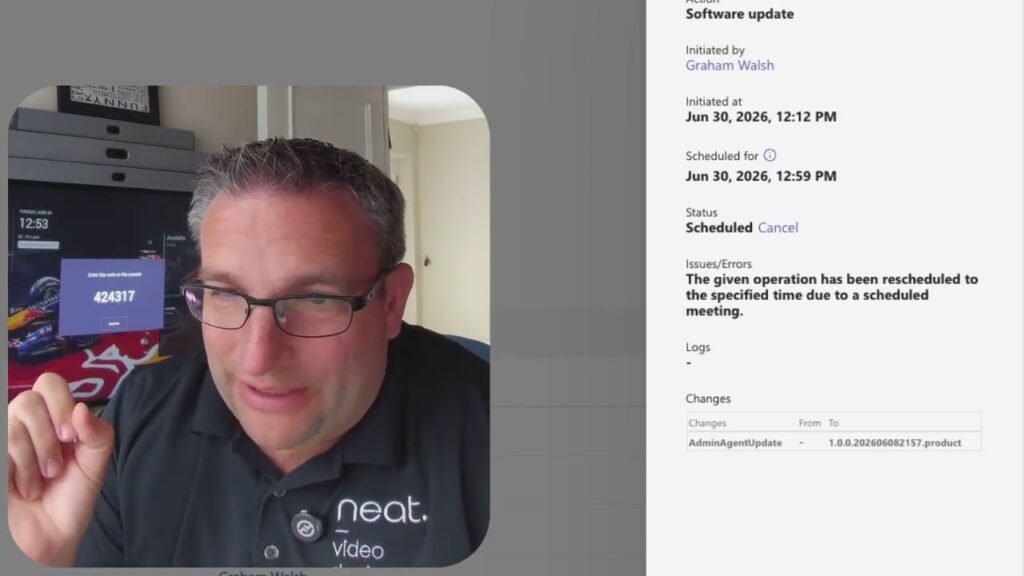
Graham from Neat shares a quick tip after trying to update a Teams panel that kept timing out. In the Teams Admin Center, he finds the message indicating the update operation was rescheduled because there was a scheduled meeting. The key takeaway is that Teams devices won’t update when a meeting is scheduled, helping prevent interruptions during meetings.
00:00 Update Keeps Timing Out
00:09 Teams Admin Center Clue
00:15 Meetings Block Updates
00:26 Quick Tip Wrap Up