Workspace Join Error

Couldn’t connect to Workspace Join. Try again, or contact your admin

Loading

Have you ever come across this error when trying to sign into your Microsoft Teams Android based device? Couldn’t connect to Workspace Join. Try again, or contact your admin. I might have the answer for you. What this means is that the user you have used to sign in has reached the device limit in

Couldn’t connect to Workspace Join. Try again, or contact your admin Read More »

Pairing Neat Board and Neat Pad with Microsoft Teams

Loading

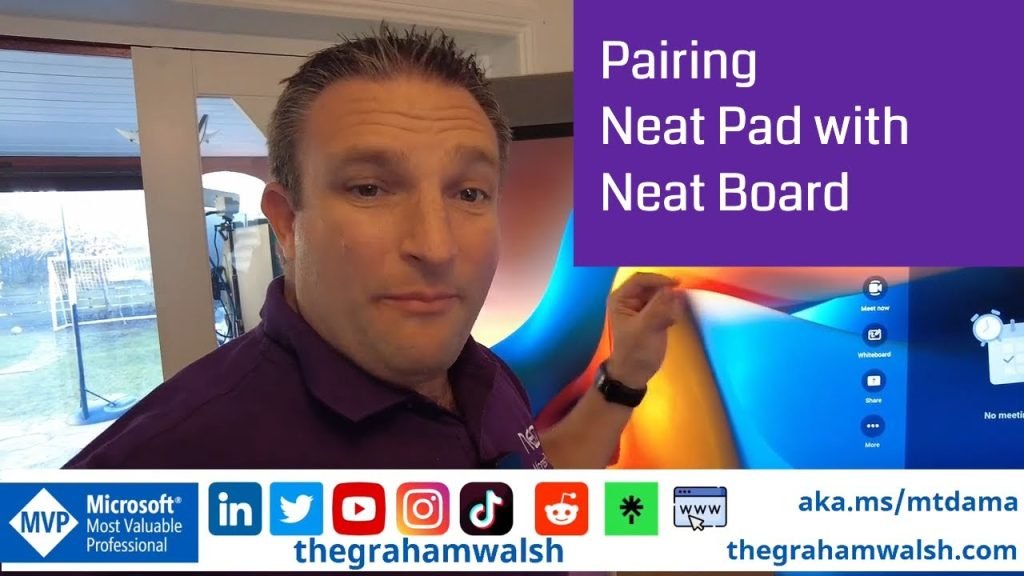
In this video, I show you how to setup a new Neat Pad and pair it with Neat Board, running Microsoft Teams Rooms on Android.

In summary:
1. Perform Out of Box setup on Neat Pad
2. Update Firmware
3. Deploy Microsoft Teams app once updated.
4. Factory reset Neat Pad by pressing the reset button for seven seconds
5. Put Neat Board in Pairing Mode
6. Perform Out of Box setup again and pair with Neat Board
7. Sign into Neat Pad with same account as Neat Board.
8. Pair Neat Board and Neat Pad at a Microsoft Teams level.

Enjoy.

Pairing Neat Board and Neat Pad with Microsoft Teams Read More »