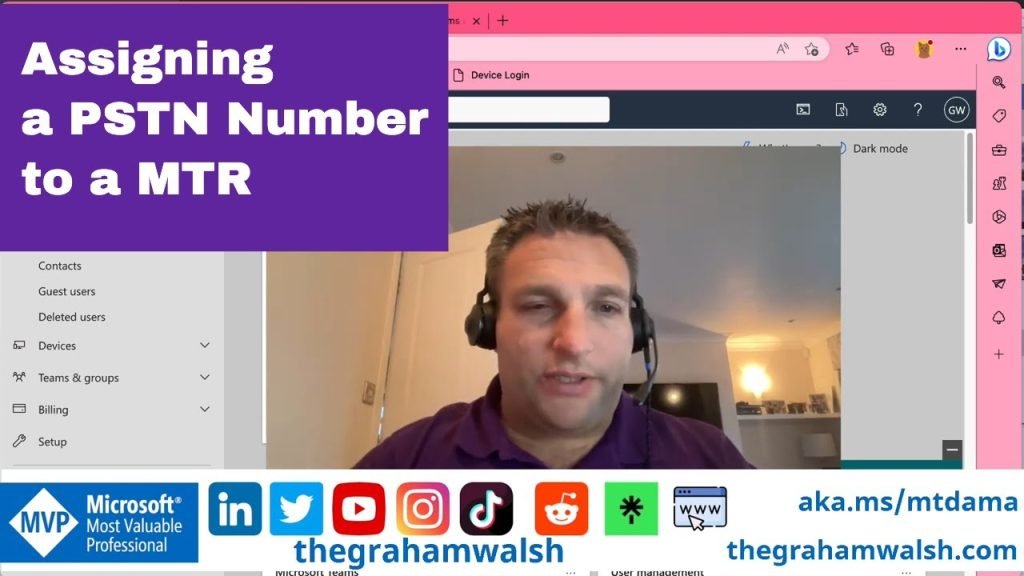
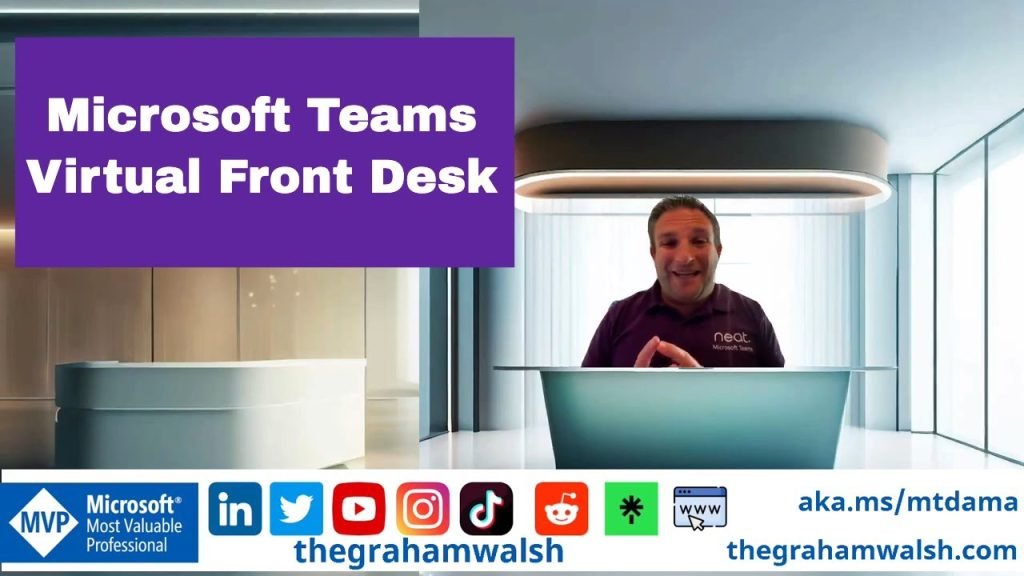
In this video, I show you how to add a PSTN number from a Microsoft Calling Plan. This then enables you to remove the ugly conference phone from the meeting room.
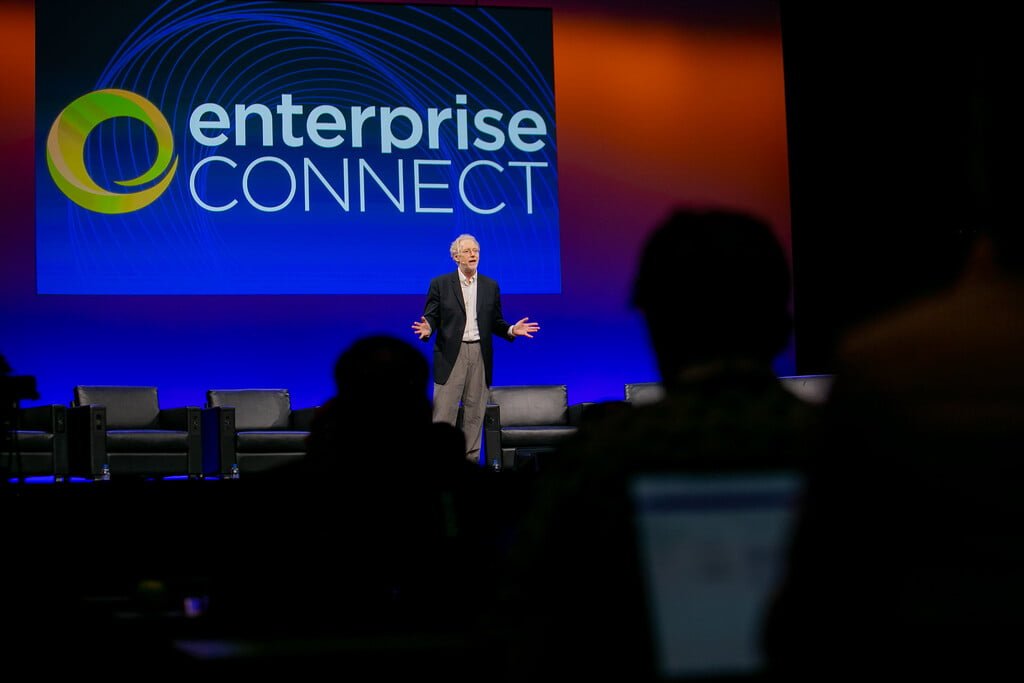
In this blog post, I will cover all the news that I have discovered remotely for Enterprise Connect 2023 whilst not being there in person. Sources are from vendor blog posts, LinkedIn and Twitter. Neat Obviously, I must start with Neat! Neat was showing off the forthcoming Neat Pulse management platform. Full details can be
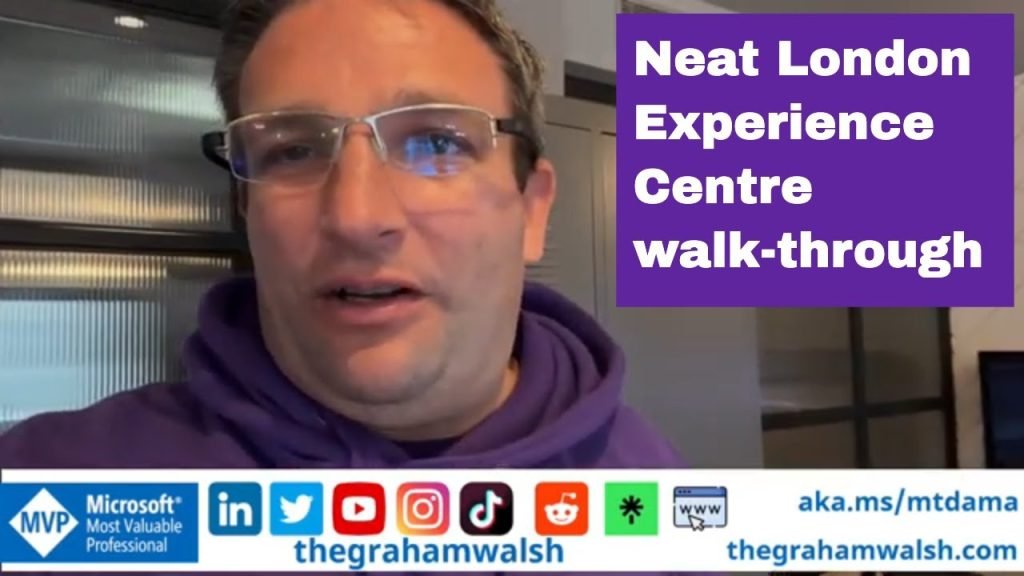
In this video, I take you on a tour of the Neat London Experience Centre which showcases Neat Bar, Neat Board, Neat Bar Pro, Neat Frame and Neat Pad devices. All integrated into an Ashton Bentley table with connectivity for BYOD via a single USB-C cable.
Table of Contents:
00:09 – Introduction
00:30 – Overview of the London Experience Centre
02:44 – Microsoft Teams Update 1 Call with Front
03:39 – Direct Guest Join from a Zoom Room to Microsoft Teams
04:00 – Making a BYOD Call
05:18 – Direct Guest Join Webex Meeting
06:05 – Closing remarks
For more information on Neat, visit https://www.neat.no
For more information on Ashton Bentley, visit https://ashtonbentley.com/ Out setup is a Connect Room System https://ashtonbentley.com/products/connect-room-system with the Room and Table Hubs.
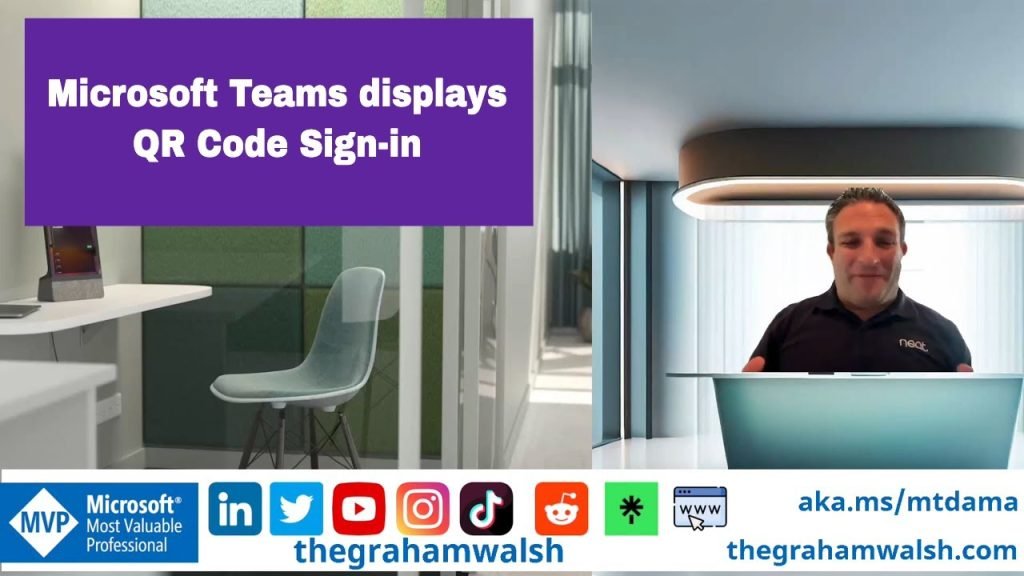
In this video, I show you the new hot desking sign in process with just a QR code and your Android phone. iPhone users will follow soon. Just scan the QR code and it brings your details to Neat Frame and signs you in without having to enter your username and password. Simple and secure.
Visit https://www.neat.no/frame for more information.
Here is an overview of update 1 with all the new features that are available now. Lots of features to get near feature parity with Microsoft Teams Rooms on Windows.
Table of Contents:
00:09 – Introduction
00:19 – Update 1 Overview
03:05 – Join with an ID
03:22 – Meet Now changes
03:43 – Sharing HDMI Content with Audio
04:32 – Overview of new settings
05:44 – New meeting options inc Front Row
07:54 – New in call features- extend reservation
08:07 – PowerPoint Live in Front Row
09:15 – Collaboratitive Annotations
10:28 – Summary