

How to get the Microsoft Teams Rooms on Android Logs

In this video I show you How to get the Microsoft Teams Rooms on Android and Zoom Direct Guest Join Logs to aid support issues.
How to get the Microsoft Teams Rooms on Android Logs Read More »
In this video I show you How to get the Microsoft Teams Rooms on Android and Zoom Direct Guest Join Logs to aid support issues.
How to get the Microsoft Teams Rooms on Android Logs Read More »

In this video, I show you all the features you should enable on your Microsoft Teams panel devices as many features are turned off for the room scheduling or booking options. Some can be configured via a Configuration Profile, but many must be done on the device itself.
For more information on Neat Pad, visit www.neat.no/pad
For more information on Teams Panel visit https://support.microsoft.com/en-gb/office/get-started-with-teams-panels-fa5e85d1-7ff3-4f11-b0b0-277e2302c8be and https://learn.microsoft.com/en-us/microsoftteams/devices/use-teams-panels

Thanks all for joining MTDAMA Episode 37 session live from CommsvNext and in APAC live. Below is the slide deck and then the Q&A captured. Slides from Episode 37 This is an embedded Microsoft Office presentation, powered by Office. Questions & Answers from Episode 37 Q. Where are the new release notes for Windows and
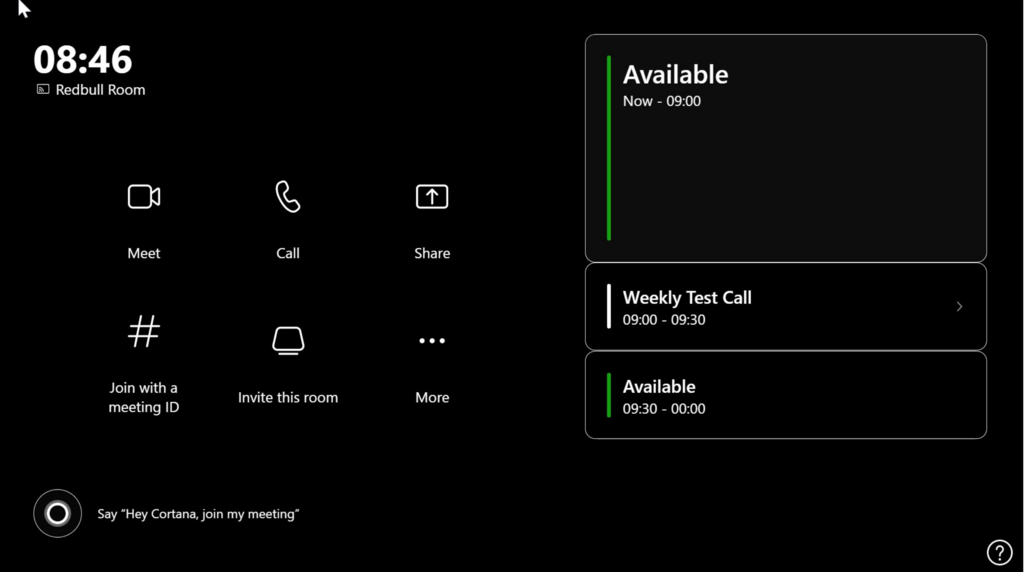
Have you ever accidentally enabled high contrast mode and tried to revert it? Well usually it fails and reverts back to high contrast mode after a reboot. The only real option has been to re-image the device. Not the best solution. So over to Damian Lewis who worked with Microsoft support and finally got the
Microsoft Teams Rooms on Windows – High Contrast Mode Read More »
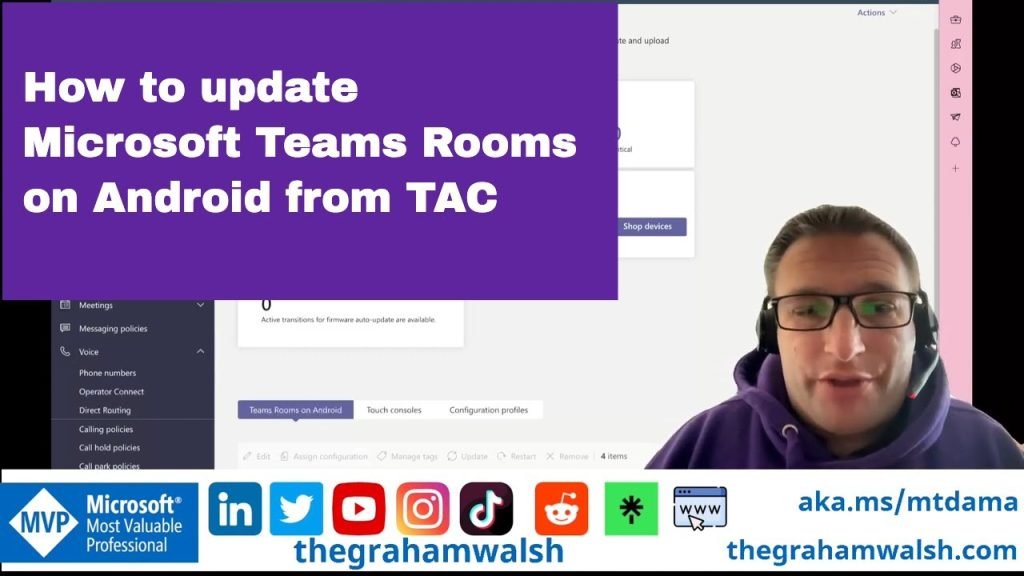
In this video, I show you how to update your Front of Room device along with the Centre of Room control panel from Teams Admin Center (TAC).
How to update Microsoft Teams Rooms on Android from Teams Admin Center Read More »
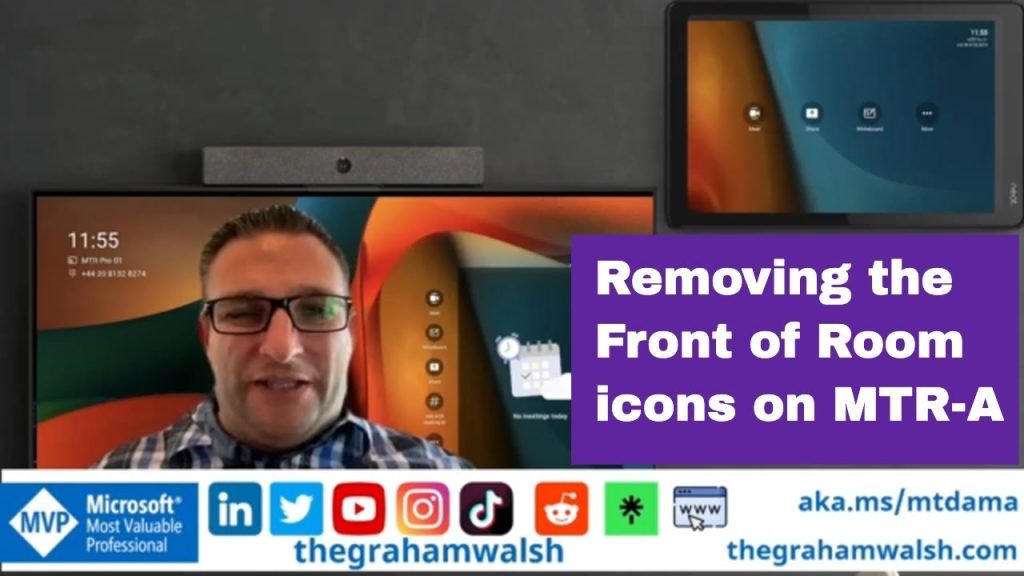
In this video, I show you how to remove the Front of Room icons that might be on your Front of Room display that is not a touchscreen as it can be confusing for users.
Removing Front of Room Icons from a Microsoft Teams Room Read More »