Thanks for joining us for MTDAMA Episode 47, wrapping up the news from ISE 2024 Slides from Episode 47 This is an embedded Microsoft Office presentation, powered by Office. Q&A from Episode 47 Q. Is there a playlist on all the relevant news from ISE 2024?A. I created one here Q. I am seeing double […]
Thanks for joining us for this episode. See below for the slides and Q&A from the session. Slide from Episode 47 This is an embedded Microsoft Office presentation, powered by Office. Q&A from Episode 47 Q. Is ultrasound proximity compatible with any devices?A. The testing has been done with a limited set of OEMs. When
We did an impromptu session live from the show floor before it opened with Michael and I. Below are the some of the Q&A and what we discussed. Slides from the Roadmap MTR-A Roadmap MTR-W Roadmap Q&A from the show Q. Where can I get the Surface Hub 3 image?A. You can download it from
Below are the slides and Q&A from the January show. Slides This is an embedded Microsoft Office presentation, powered by Office. Q&A from the show Q. Hey all! Do we have info on when will in room camera controls be available for MTR-W?A. No idea, nothing public. Some of the OEM’s have them already on
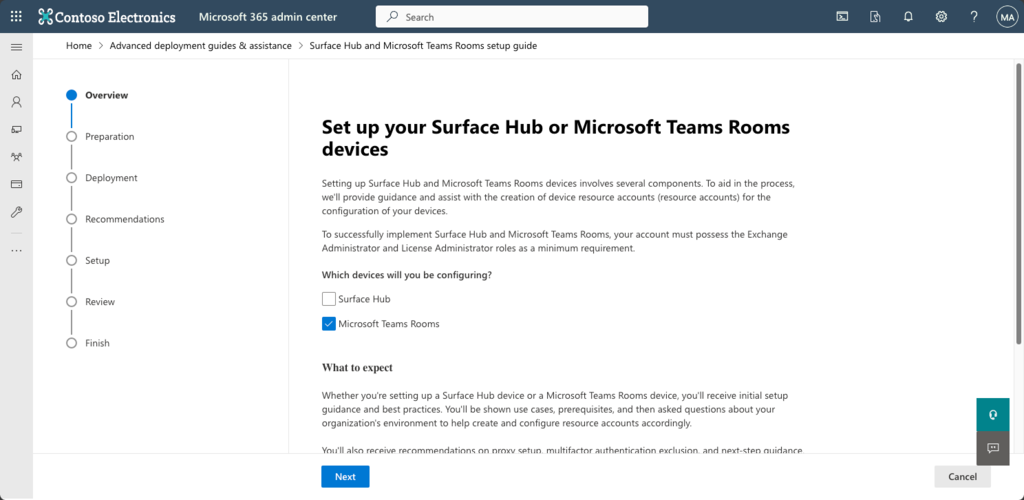
Previously I had done an overview on setting up accounts, but times change, and that article is out of date now as Skype for Business isn’t used much more. And it was on Windows, let’s change it up and show a guide on MacOS. There is also a wizard that Microsoft has enabled via the
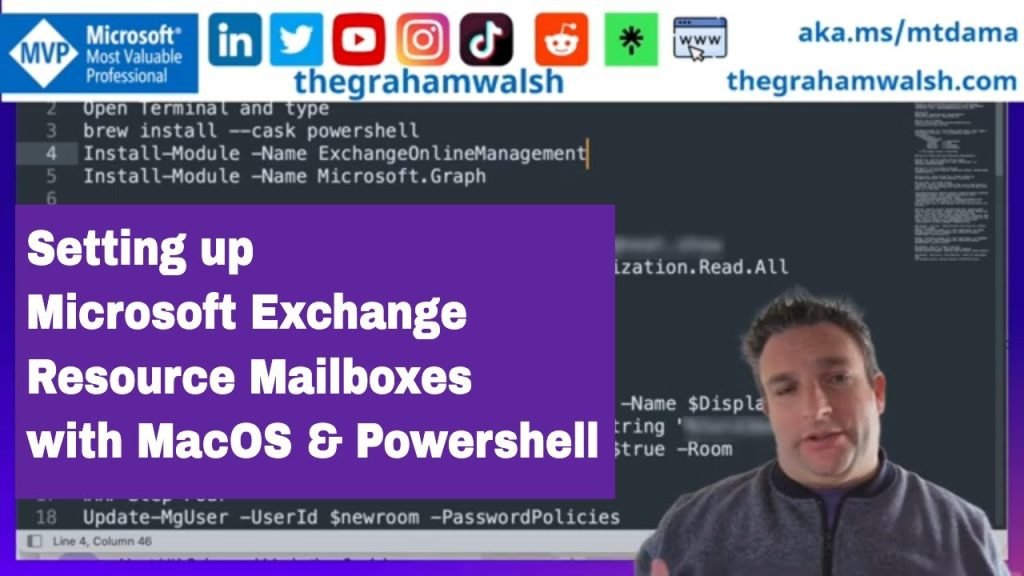
In this video, I show you how to use Exchange Online and Graph PowerShell on MacOS to create new room mailboxes or resource accounts for use with Microsoft Teams Rooms or Zoom Rooms, or just booking panels such as Teams Panels.
Here is the blog post with the step-by-step guide https://www.thegrahamwalsh.com/creating-microsoft-exchange-resource-accounts-with-powershell-on-macos/
Table of Contents:
00:07 – Introduction
00:32 – Install PowerShell Modules
01:30 – Connect to online services
02:21 – Setting Room Variables
02:38 – Creating a new resource mailbox
02:55 – Disable Password Expiration
03:06 – Discover Licenses within Tenant
03:56 – Applying licenses to new account
04:26 – Setting resource mailbox options
04:58 – Options for Teams Panels – Room Lists
05:33 – Setting Teams Calling to resource account
06:07 – Applying resource account to Room List
06:23 – Optional options for mailbox
06:42 – Checking new account in Exchange Online
07:13 – Closing comments