Microsoft Teams Room Guest Join Access for Zoom

Loading

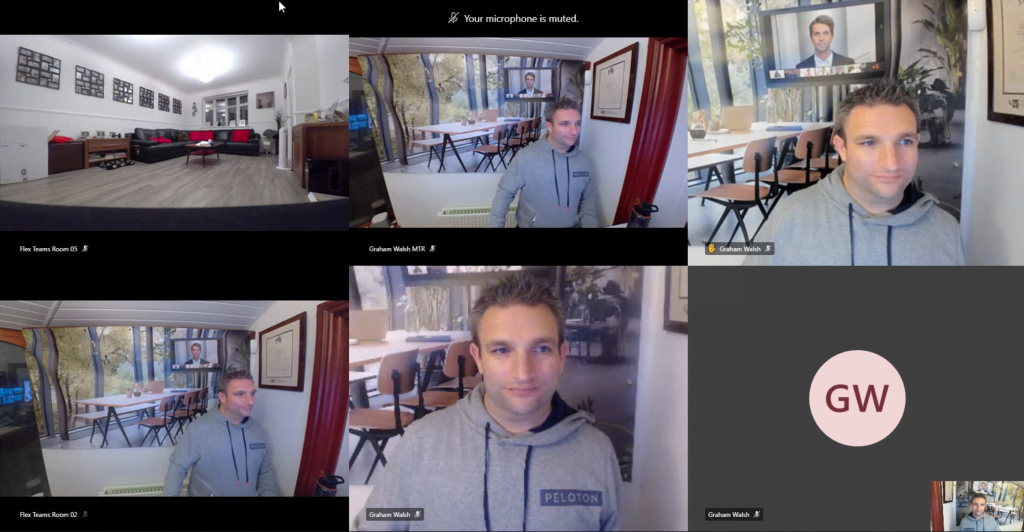
Back at Microsoft Ignite 2019, Microsoft showcased to the world a new feature called Guest Join Access for Zoom and Webex on the Microsoft Teams Rooms (MTR) systems. See a full overview here. Fast forward ten months and we now have Guest Join Access for Zoom that was in testing and now released. The Webex […]

Microsoft Teams Room Guest Join Access for Zoom Read More »

ignite2020

Microsoft Teams Devices roundup from Microsoft Ignite 2020

Loading

Wow, what a whirlwind of a few days at the virtual Microsoft Ignite event this year. Here is the Microsoft Teams Devices roundup from Ignite 2020.. Meeting Room Devices This was probably one of the biggest announcements, the Collaboration Bars and Microsoft Teams Rooms (MTR) are merging. We knew from the public roadmap that there

Microsoft Teams Devices roundup from Microsoft Ignite 2020 Read More »

Ignite 2020

Microsoft Ignite 2020 – Microsoft Teams Devices Selection

Loading

With Microsoft Ignite 2020 being virtual this year, it’s just around the corner in a few days. As there are 797 sessions this year, which seems huge so I thought I’d narrow down the sessions related to Microsoft Teams Devices. There are also some new sessions such as Ask the Expert (ATE) and Table Talks.

Microsoft Ignite 2020 – Microsoft Teams Devices Selection Read More »

MTDAMA Logo

MTDAMA Episode Six – Tuesday 15th September 2020

Loading

Another great session, this time with Phil Clapham providing us an overview of the Teams Personal Devices and Sid Roy from the Microsoft MTR Premium (MTRP) team providing an overview and demo of the service. This is an embedded Microsoft Office presentation, powered by Office. Some Q and A from the session Q. Regarding the

MTDAMA Episode Six – Tuesday 15th September 2020 Read More »

Out of Box Experience

Re-imaging/installing a Crestron Flex System

Loading

You may have a Crestron Flex Microsoft Teams Room or Zoom Room and it is not working as expected. So one option is re-imaging/installing the system. Another way to recover this is to follow this guide here or Jeff Schertz put a guide together here. However, you may find it easier and more secure to

Re-imaging/installing a Crestron Flex System Read More »

Scroll to Top