MTR add room

Add this Room to your Microsoft Teams Meeting

Loading

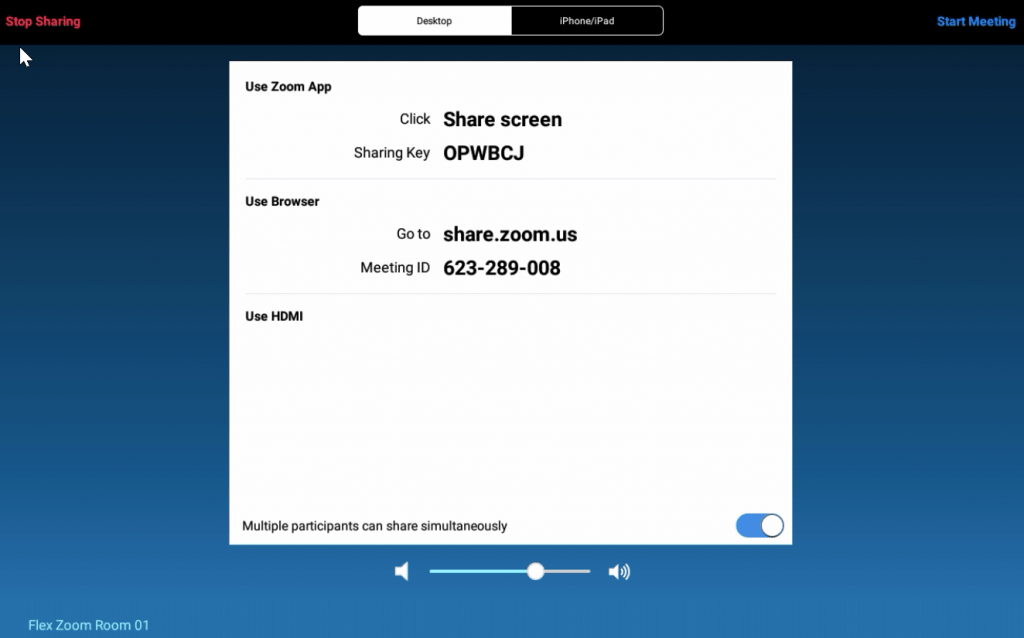
You may have noticed a message on your Microsoft Teams Room saying Add this Room to a meeting with your personal device. What does this mean? Well, it means you can start a call from your mobile device. There are a few ways to use this feature, so let’s look at each method. Android Mobile […]

Add this Room to your Microsoft Teams Meeting Read More »

mtr-4-3-33

Microsoft Teams Room 4.3.33.0 Update

Loading

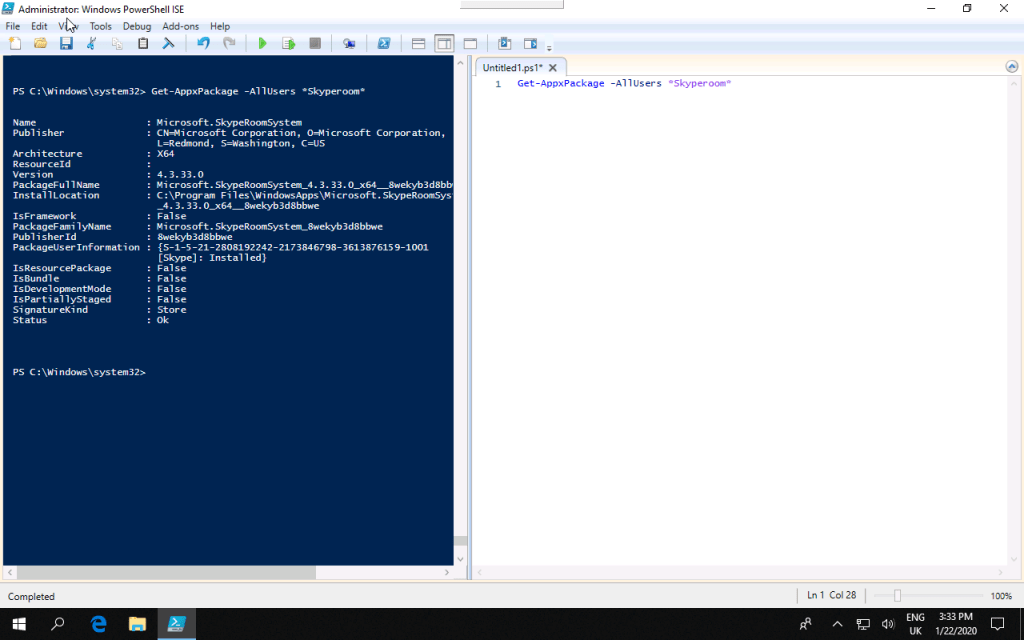
During December, there was an update to the Microsoft Teams Room (MTR) systems (4.3.23.0) that included a number of updates and User Interface (UI) changes. I covered these updates here. However, unfortunately, there were a few items pushed to the UI that should not have been as the features are not quite ready yet such

Microsoft Teams Room 4.3.33.0 Update Read More »

mtr-home

Microsoft Teams Room – Version 4.3.23.0 Updates

Loading

Microsoft pushed out the latest update for the Microsoft Teams Room Systems with a few nice updates and a welcomed return to the home screen for room controls. The releases are detailed here. The highlights are as follows: Auto-answer proximity-based calls and admin setting to control this Device Admin Settings UI refresh with the addition

Microsoft Teams Room – Version 4.3.23.0 Updates Read More »

Office 365 - Purchase Meeting Room License

Microsoft Teams Room Licensing – What do you need?

Loading

A regular question I get asked by people is what are the licensing requires for a Microsoft Teams Room (MTR) system? Microsoft has made it very simple, they have a Meeting Room license that includes all you need for an MTR. It is essentially an E5 license without the Office Apps. However many organisations different

Microsoft Teams Room Licensing – What do you need? Read More »

Scroll to Top